Photo or PDF
Delivery note, invoice or receipt —from your phone or by uploading the file. Biga reads it even if it's crooked or crumpled.
A photo of a delivery note or a quick manual entry with VAT and line items. Recurring expenses that generate themselves. Delivery notes that add stock and link to your ingredients. All categorised and ready for your accountant —without typing invoices.
What used to mean entering data by hand —or piling up a drawer of receipts for your accountant— is now just a photo. And when there's no document, a manual entry in seconds, with VAT and line items if needed. Biga does the heavy lifting; you just give the nod.
Delivery note, invoice or receipt —from your phone or by uploading the file. Biga reads it even if it's crooked or crumpled.
Supplier, date, total and every line item, with no typing. You can review and correct before confirming.
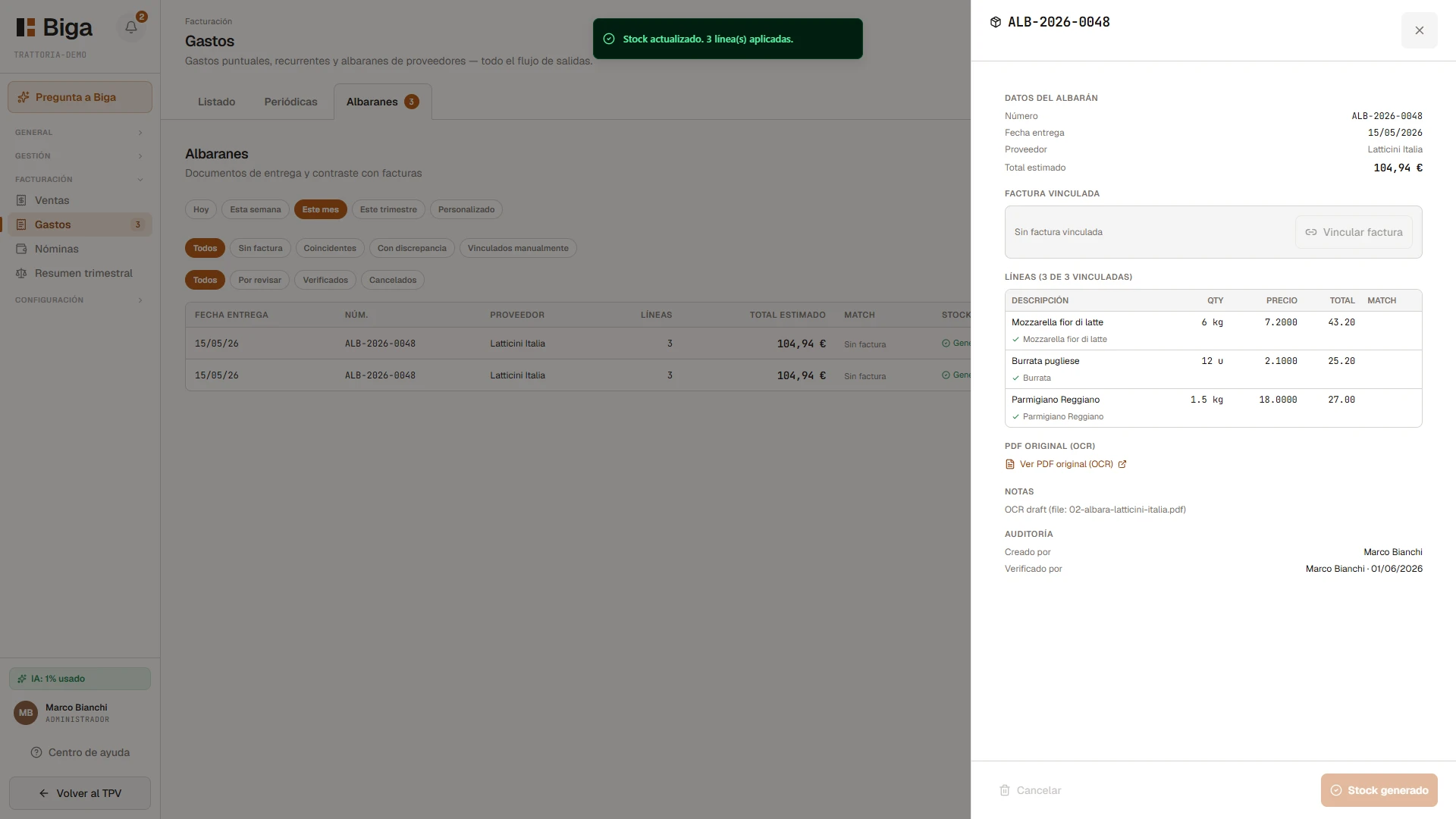
Each line links on its own to the ingredient in your catalogue when the match is clear. That way the cost stays tied to your recipes.
When you confirm a delivery note, stock comes in automatically. What you receive is counted with no extra step.
One-off and recurring, with or without an invoice. Filter by period, source, supplier, category or status, mark an expense as paid with a tap, and tell instantly which ones come from a recurring expense.
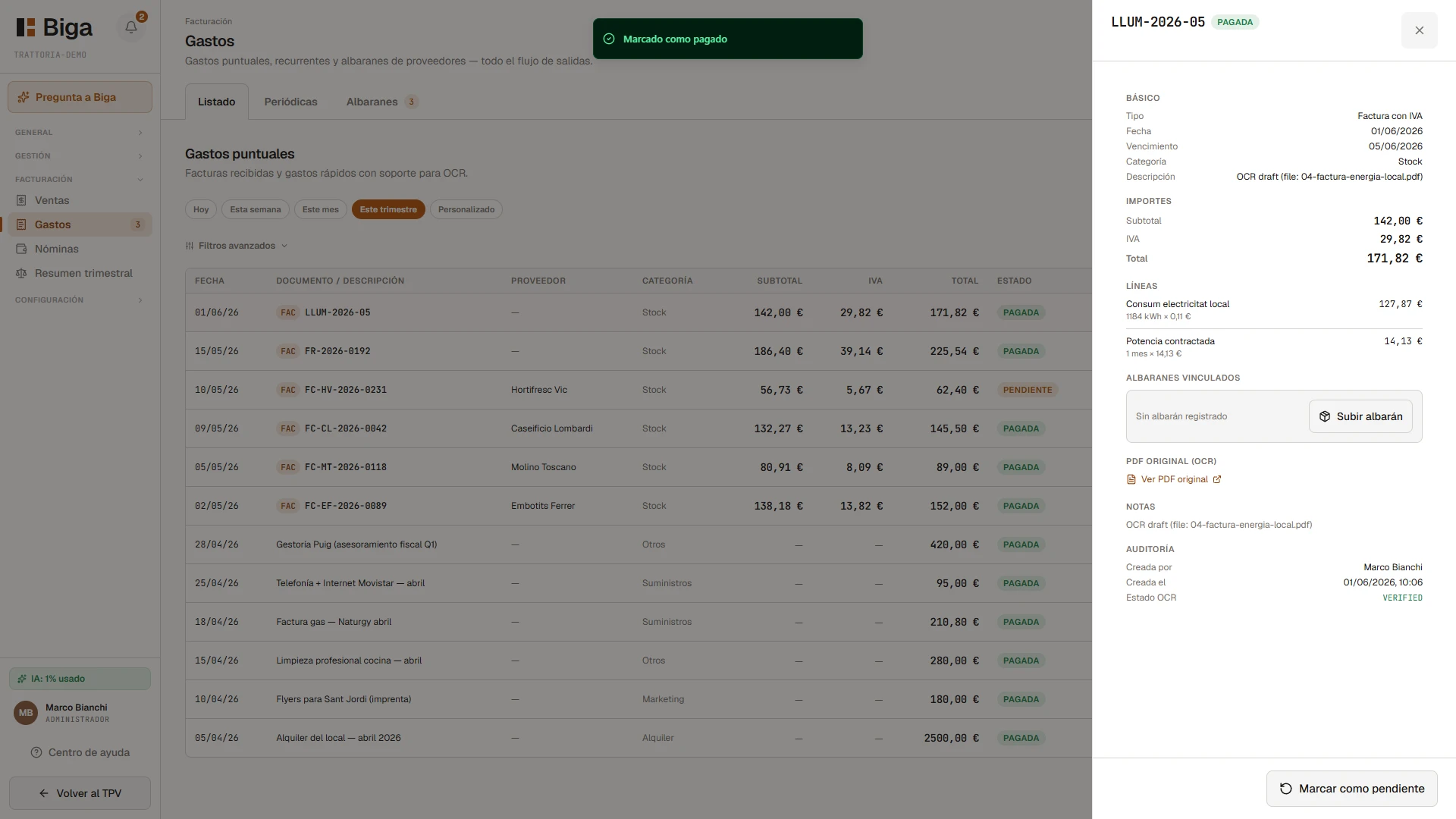
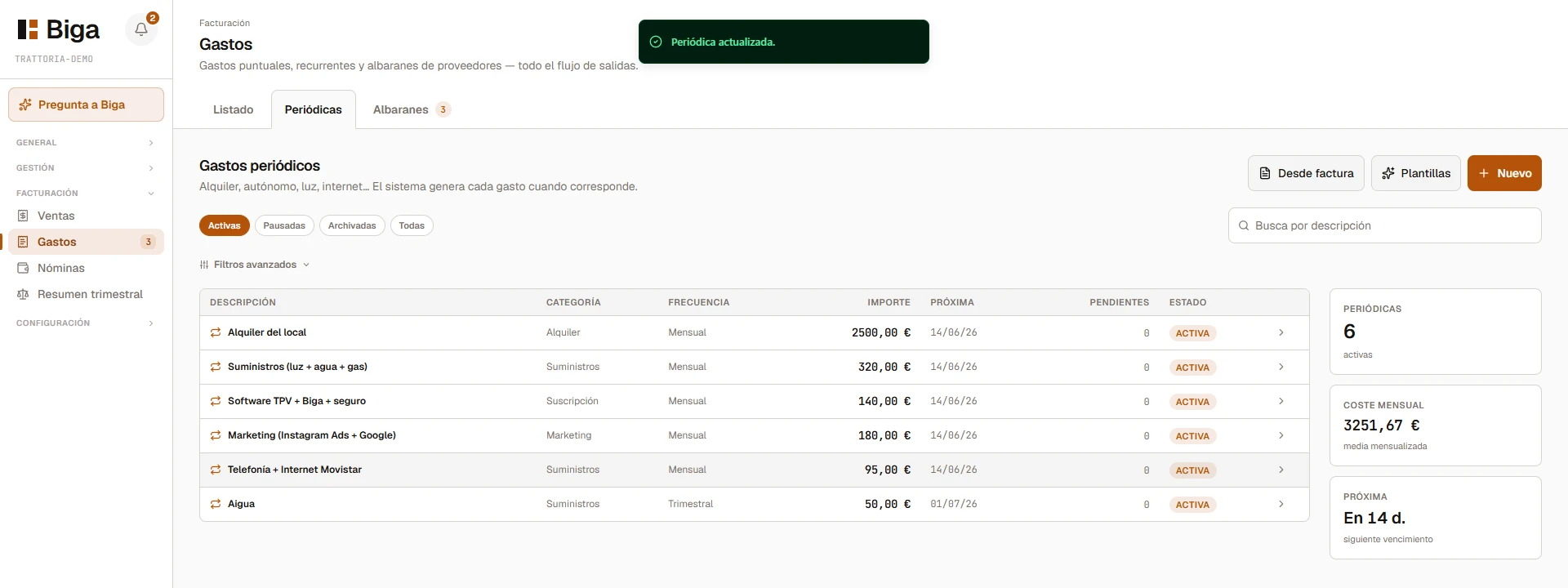
You set up a recurring expense once —amount, frequency and next date— and Biga generates it on its own every period. You can create them from a template or straight from an invoice. You always know your monthly cost and the next due date.
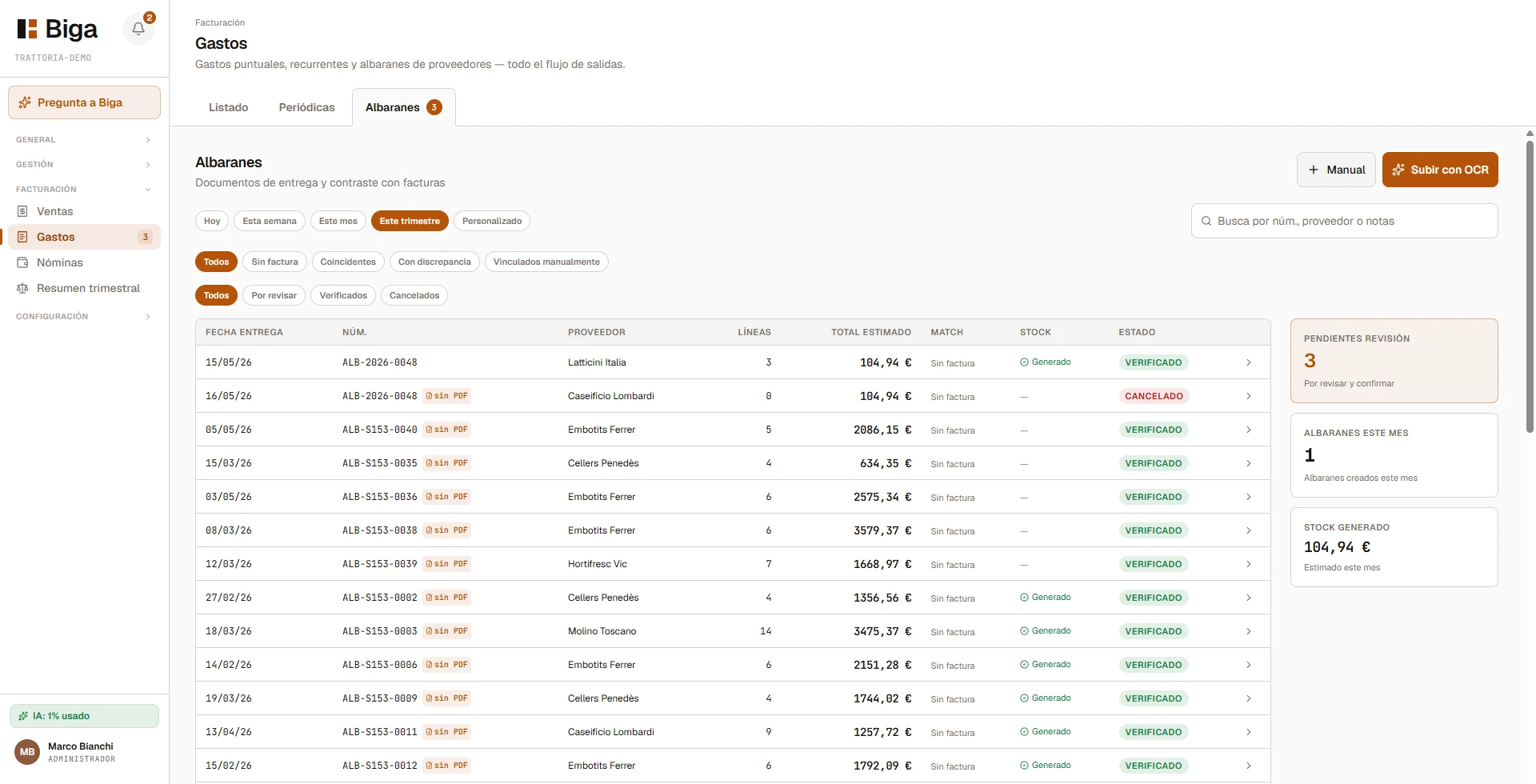
Each delivery note links to your ingredients and, once confirmed, stock comes in. It's then reconciled against the supplier's invoice and flags any discrepancy in quantity or price. Your fridge and your books, in sync.
Every expense is categorised, with its document and its date. Biga spots price changes between orders and gets everything ready so the quarterly close and your accountant aren't a headache.
One photo and you're done.
Goodbye to the drawer of receipts.
You can try it in your own venue with your own data. No lock-in, no commitment, and with assisted migration from whatever system you're using right now.