Open tabs without a table
Give the tab a name, like "John" or "terrace 2", and pick it up again when the customer orders more.
Biga has a Counter mode for serving people standing at the bar, with a queue and no table. It is used every day in a real bar. You switch it on only if you need it, and the floor, the terrace and the whole back office stay where they are.
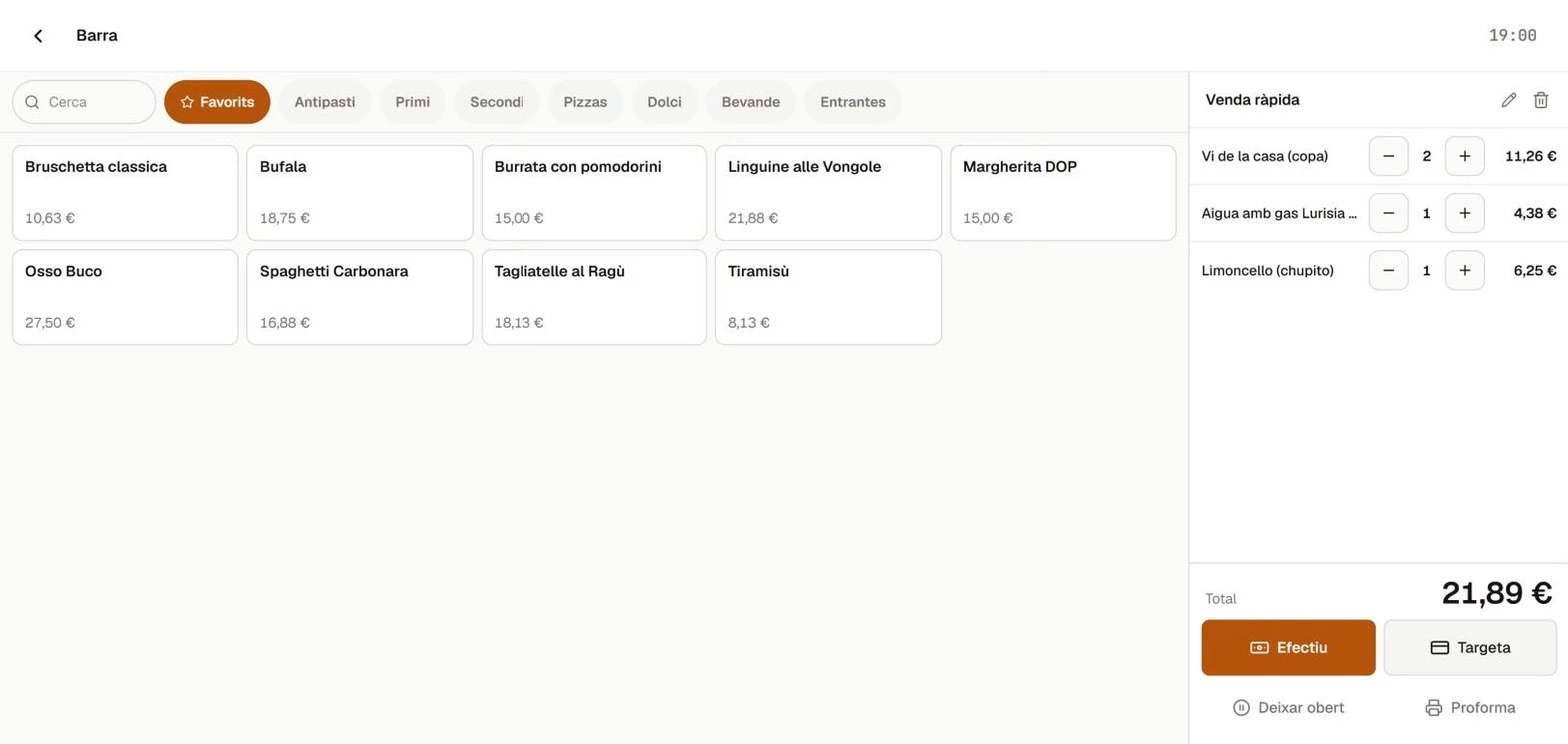
Everything happening at the bar on one screen: who ordered, what has already gone out and what is still to be paid.
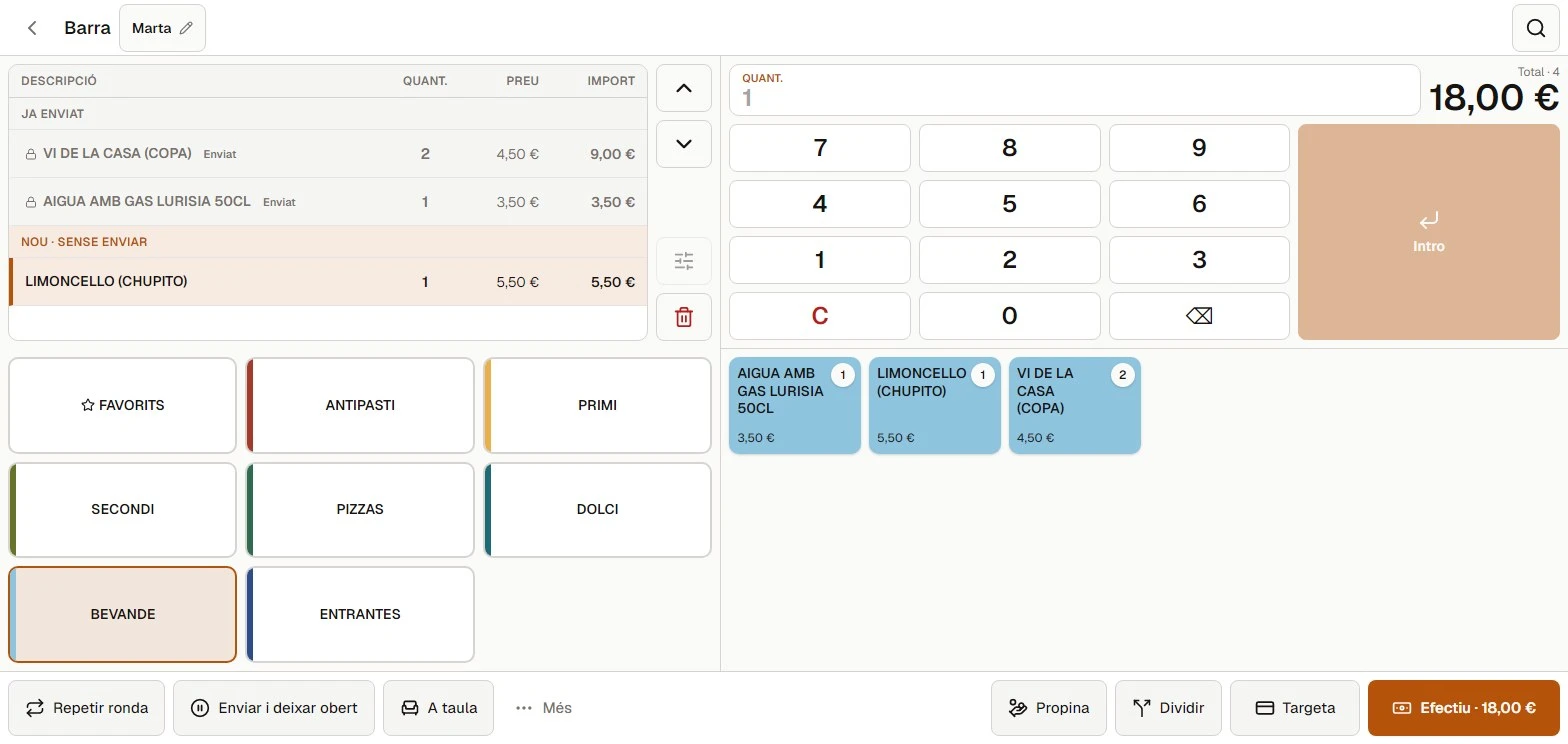
Give the tab a name, like "John" or "terrace 2", and pick it up again when the customer orders more.
See at a glance what has already gone to the kitchen and what you still have to send. Nothing goes out twice by mistake.
The same round again with a single tap, without ringing up the drinks one by one.
Cash or card, and it is paid. The queue keeps moving and the tax receipt is already done.
The tab at the top, the keypad beside it and colour-coded products below, like the bar POS you already know.
What you serve most, on the first tab. You choose which products appear and in what order.
Many bars have a counter, a few tables and a terrace. Biga runs them all at once, from the same POS.
One price at the counter, one on the floor and one on the terrace. The POS uses the right one depending on where the customer is.
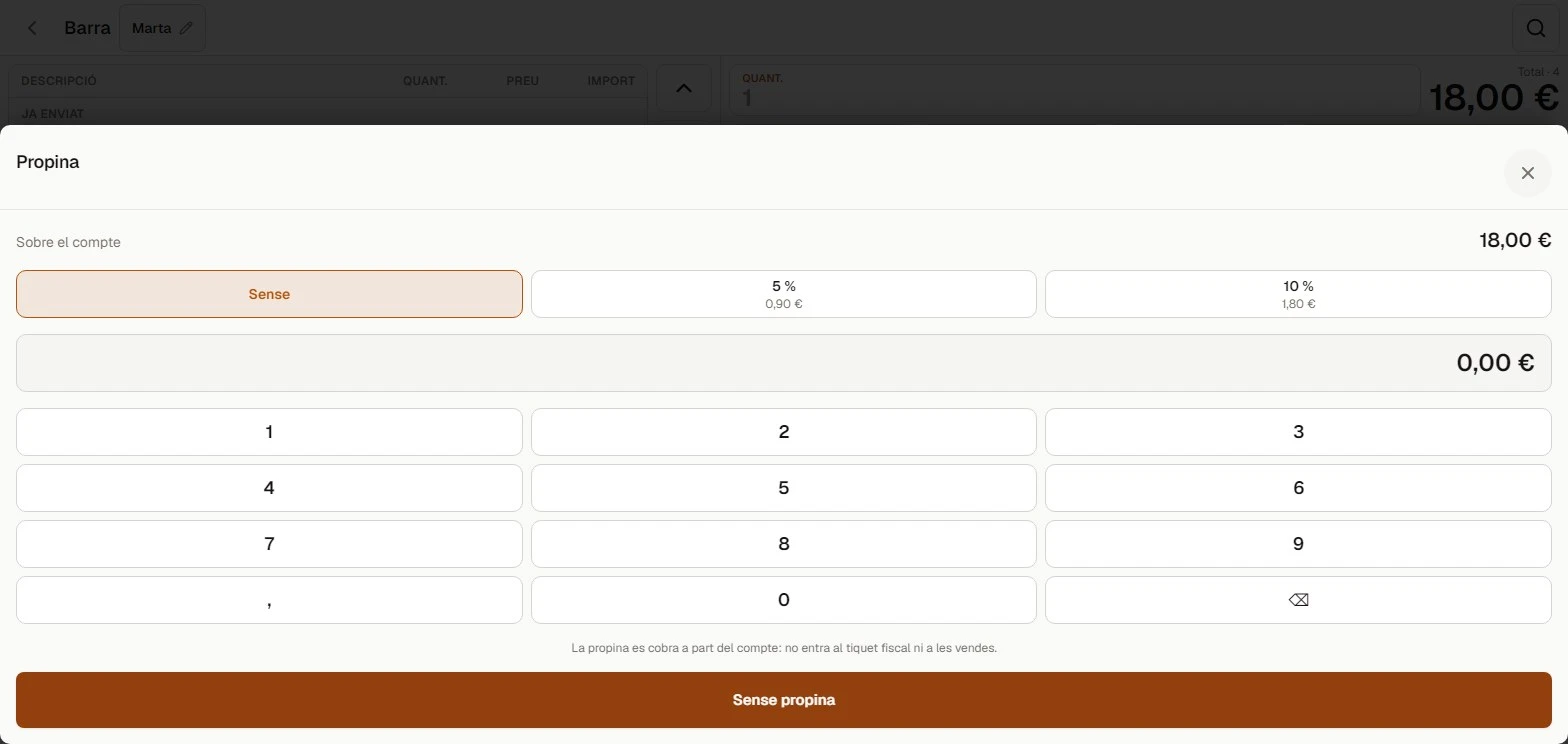
Tips are taken separately and stay in the till, without mixing with sales or the tax receipt.
Join two tables, split a tab in two or hand it to another waiter without starting over.
You can use the classic counter screen at tables too. The team learns a single way of working.
A bar moves fast and sometimes you get it wrong. Biga lets you fix it cleanly, with everything on record.
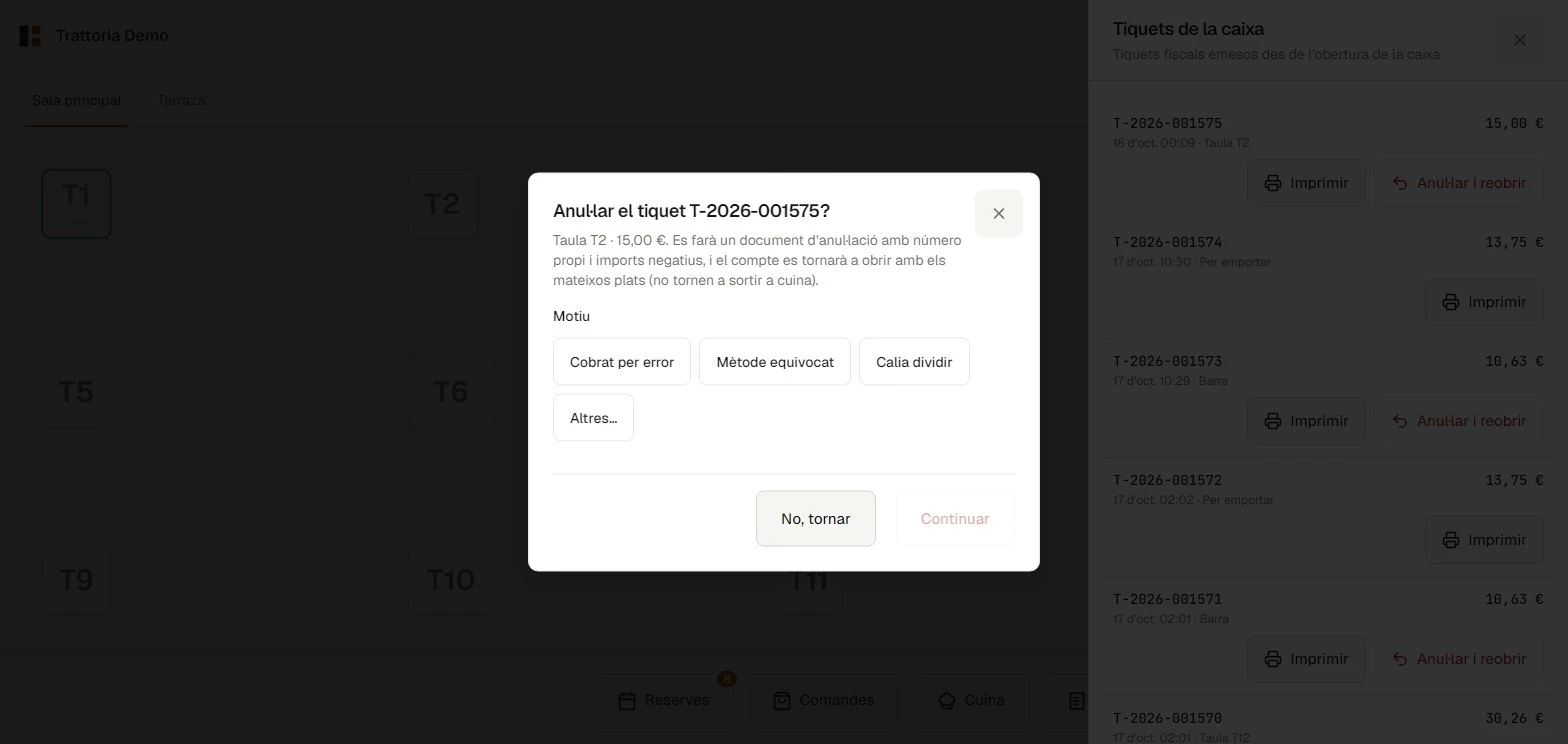
An administrator voids it with their PIN: a void document with its own number is issued and the tab reopens so you can charge it correctly.
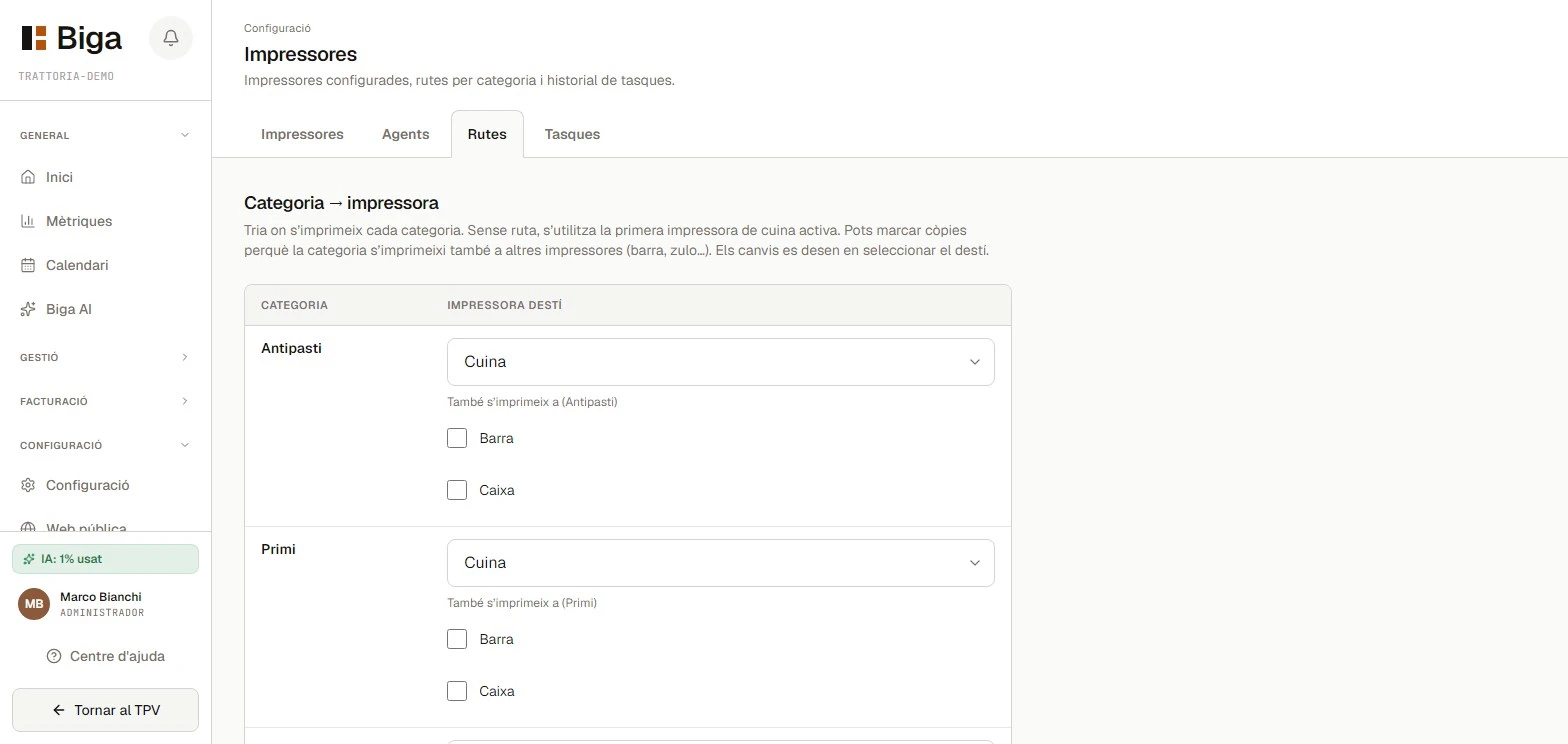
Drinks to the bar, food to the kitchen and, if needed, a copy to another printer. Everyone gets only what they have to prepare.
Counter mode switches on
only if you want it.
If you don't switch it on, the POS stays exactly as it is.
The same Biga restaurants use, with tax and numbers kept up to date.
€99/month per venue, excl. VAT
+ €200 one-off setup
Founders: €49.50/month forever and free setup. 2 spots left.
No lock-in. Counter mode, the floor and the whole back office are in the same price.
See full pricing details →No. Counter mode only appears if you switch it on. Otherwise the POS stays just as it is.
Yes. Each zone can have its own price, and a table's tab can be moved to the counter with one tap.
Yes. You choose which printer each category goes to and, if needed, have a copy print on another.
While the till is open, an administrator voids it with their PIN. A void document is issued and the tab reopens so you can charge it correctly.
Yes. Verifactu has already been tested with the AEAT and switches on when it becomes mandatory for you, at no extra cost.
We'll give you a demo with your menu and your way of serving. No lock-in, no commitment.