Your restaurant’s public website
Biga generates a public website for your restaurant: the menu your customers see, online reservations and a page for takeaway orders, all with your own branding.
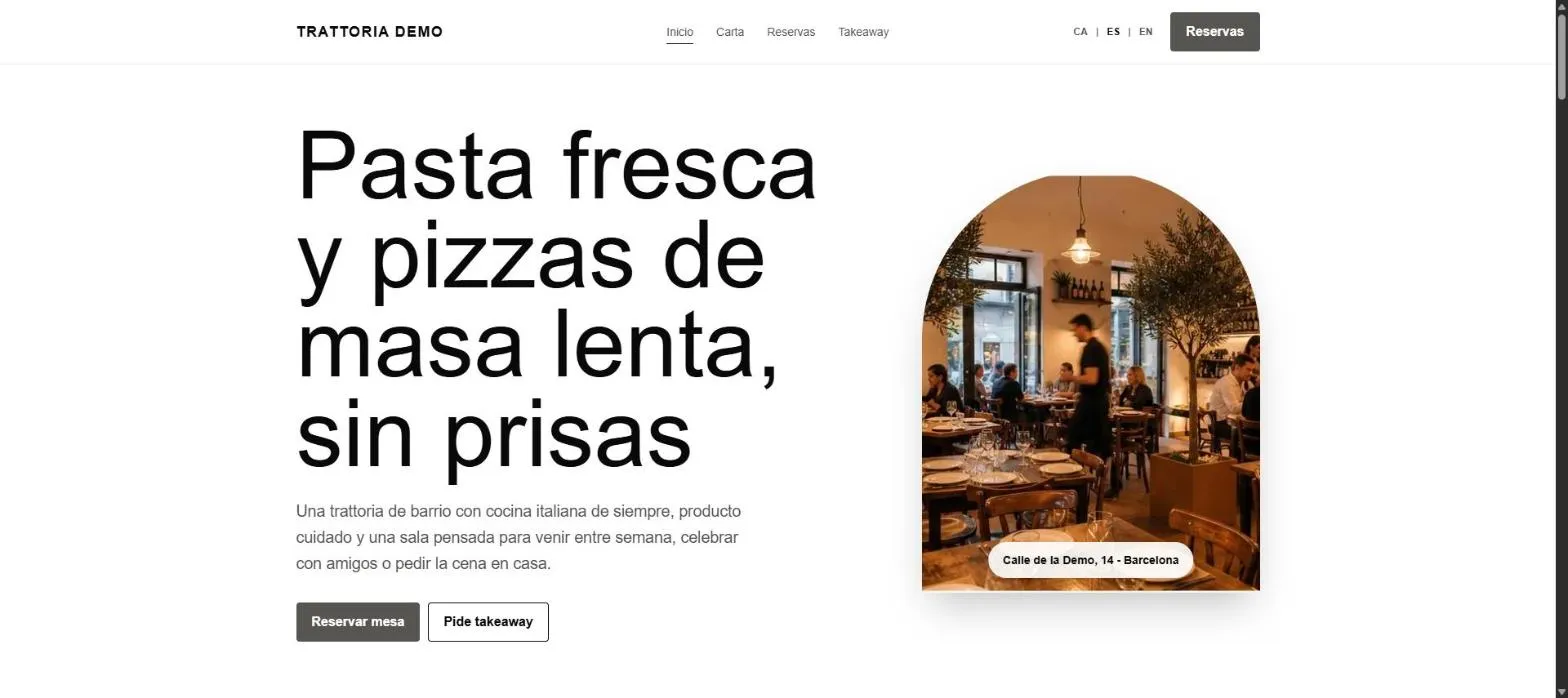 Home page with your name, photo and links to Menu, Reservations and Takeaway. Available in Catalan, Spanish and English.
Online reservations
Customers can book a table from the website without calling. The reservation lands in the agenda instantly in your POS: you’ll see it pop into the day’s list without having to reload anything.
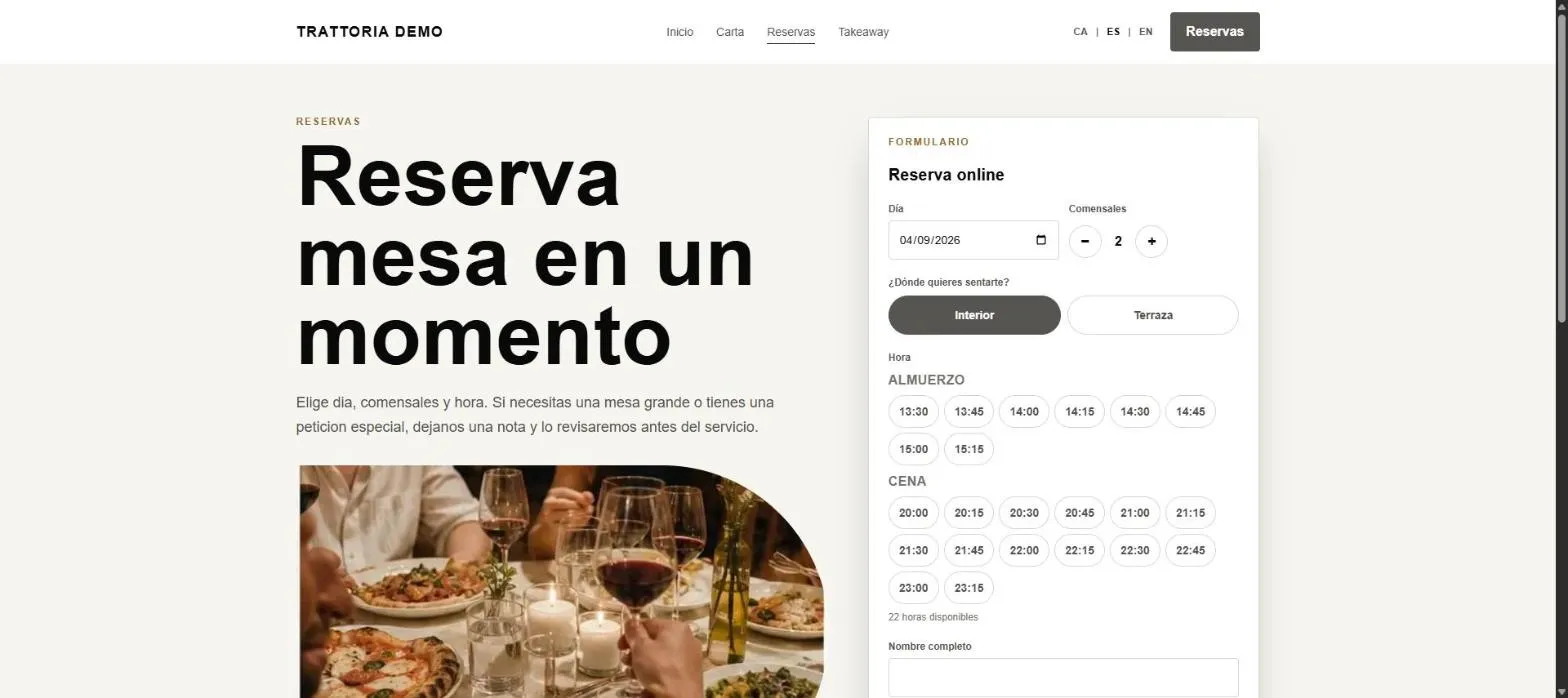 The customer books on their own; you see it in the reservations agenda.
The agenda is a single column (7-day strip + the day’s list by service), with no embedded plan. See Reservations.
Branding
From the back office (Public website) you can customise:
- Images: home hero, logo, “About us” photo, menu and services photos, reservation and order heroes. They upload directly and go live in a few seconds.
- Text: headlines and descriptions for the home page sections.
Images accept JPG, PNG, WEBP or SVG, up to 8 MB. The square logo is also used as the favicon.
The menu on the web
The menu you have loaded in Biga appears on the website automatically. If you keep it in more than one language (automatic translation enabled), customers will see it in theirs.
Common issues
- A new image isn’t showing on the website → wait a few seconds and reload; propagation to the live service takes a moment.
- I want to hide online reservations → this is controlled from the public website settings.
For managing the reservations that come in, see Reservations.