Biga AI
Biga AI is the built-in smart assistant, there to clear up questions, pull business data or take actions without digging through menus. You open it from the Biga AI item in the back-office sidebar (General group).
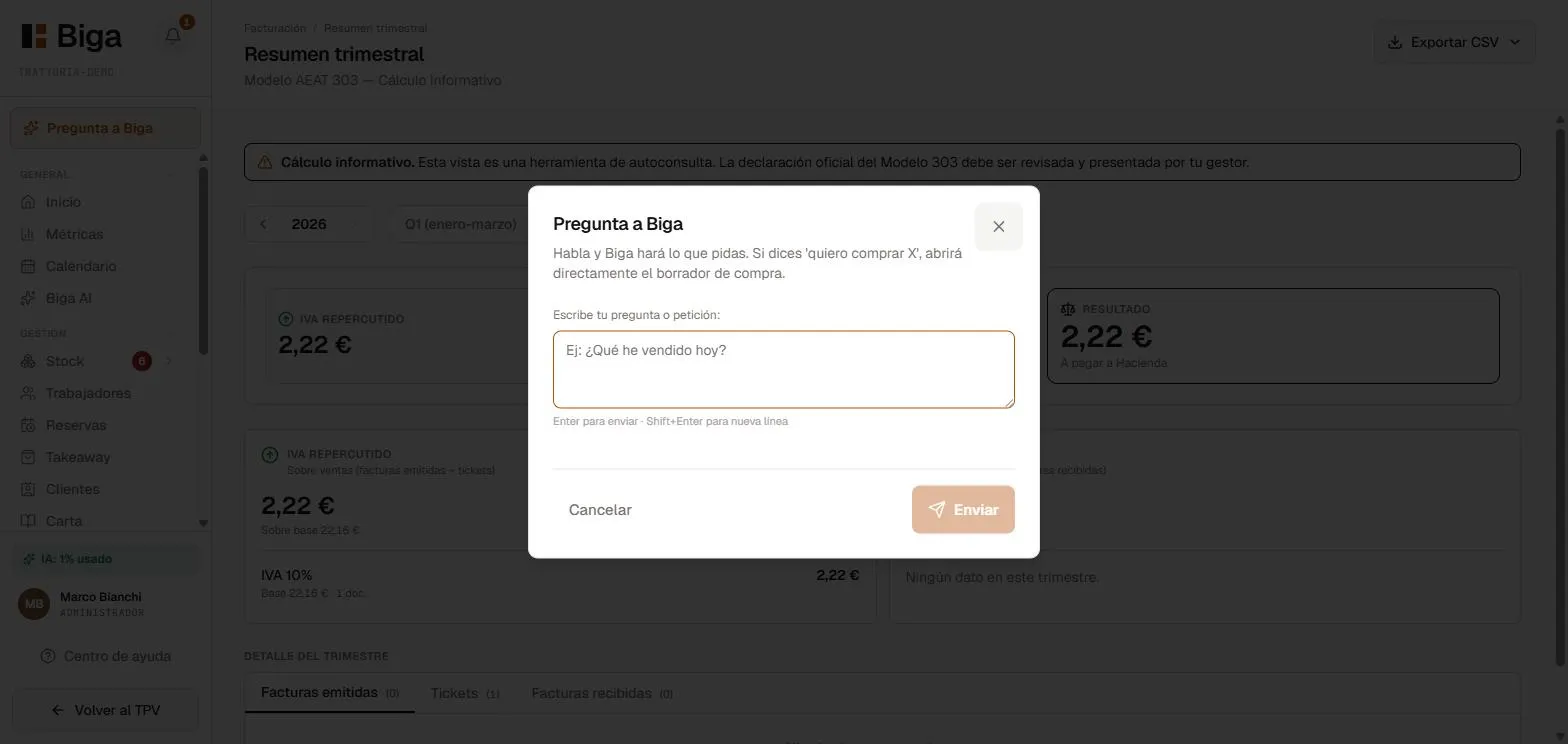 Free-form question: answers powered by your restaurant’s data.
One single conversation
All of Biga lives inside the chat. When you open it without typing anything, it greets you with a welcome screen showing current insights and suggestions of things you can ask. As soon as you start talking, the conversation history takes over the screen.
What you can do
- Ask anything: “How much have I billed this week?”, “Which dishes sell the most?”, “How do I change the VAT rate?”.
- Ask for real actions: Biga doesn’t just answer, it also carries things out for you (for example, drafting a purchase order or helping you with a recipe). When an answer involves an action, Biga tells you clearly.
- Dictate by voice: tap the microphone and speak; Biga transcribes what you say (Whisper transcription) and answers. Handy in the middle of service, with no typing.
Memory
You can tell it things to remember across conversations: “Remember that the flour supplier is Marco” or “Remember that we’re closed on Tuesdays”. Biga saves it and keeps it in mind in future conversations. If you want to know what it remembers about you, just ask “What do you remember about me?”.
Insights and tasks
Biga reviews the business on its own and offers you insights (things you may want to look at) and actionable tasks on the welcome screen. That way you don’t have to go looking: it puts them right in front of you.
Specialised assistants
Beyond free-form questions, Biga has helpers built for specific jobs:
- Purchasing — helps you draft orders to your suppliers.
- Recipes — helps you with cost sheets and dish specs.
- Service summary — gives you a recap of what happened during a service.
Tips
- Be specific: “last Friday’s sales” works better than “sales”.
- For how-to questions, ask it directly how to do something (“how do I issue an invoice with a tax ID?”) and it will walk you through it.
AI credits
Using Biga AI consumes AI credits. The control is monthly: in Settings → Biga AI you see a bar with the credits spent this month against your plan’s cap.
Credits track actual usage, not the number of questions: a short query spends a few credits and a big job (say, reading a multi-page delivery note) spends more. So what you see reflects what each action really consumes.
Privacy
Queries are processed solely to give you an answer and are not used for anything else.